

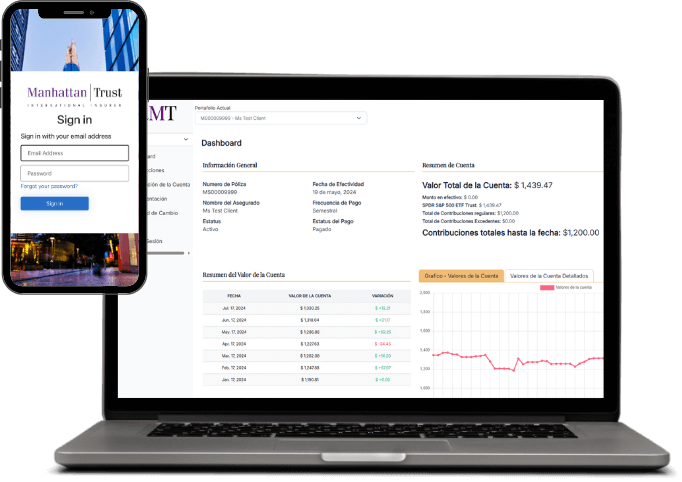
MyMT Client Portal
Overview
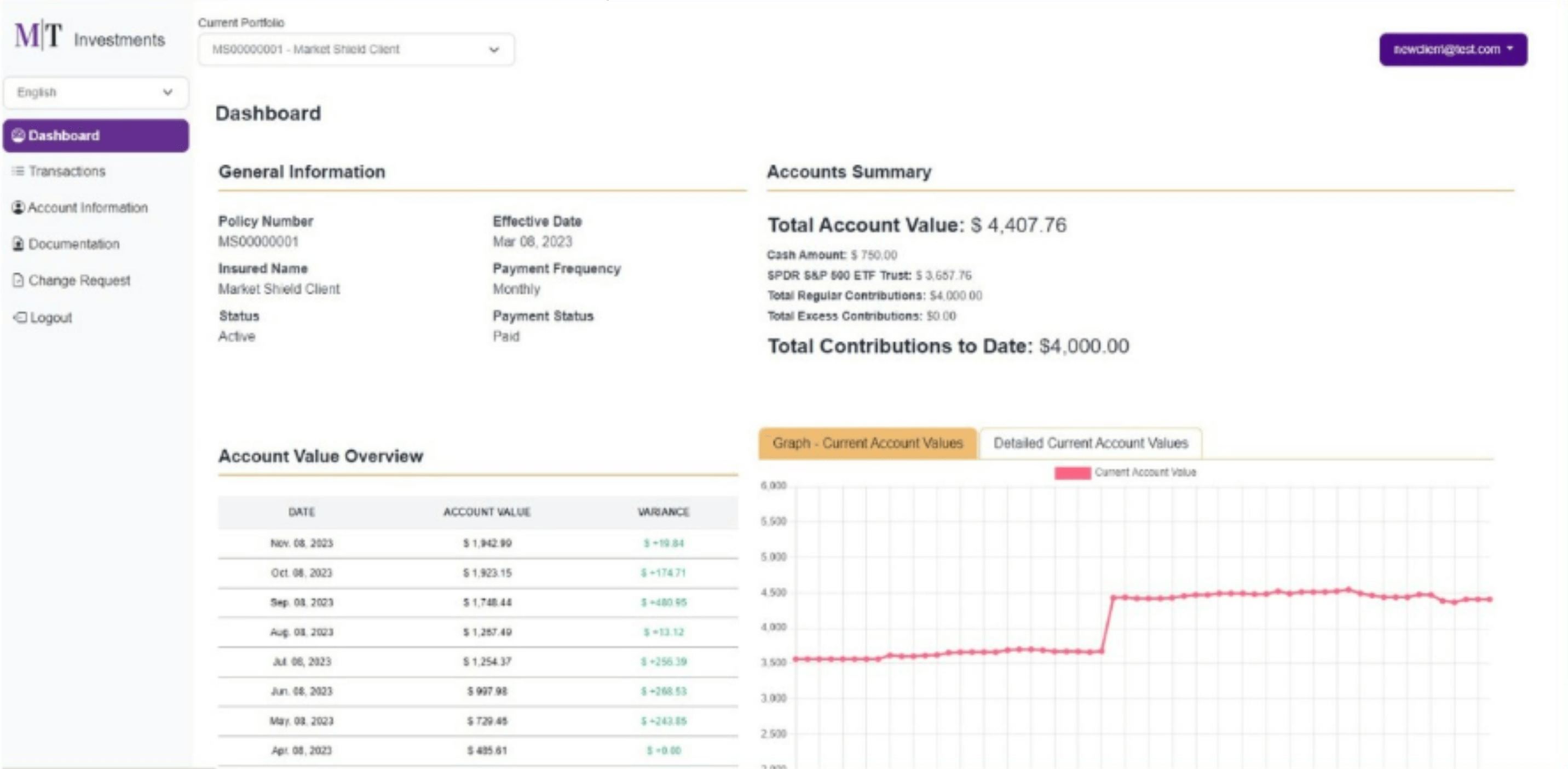
Dashboard
On the dashboard, you can view a summary of the general policy information along with the account value.
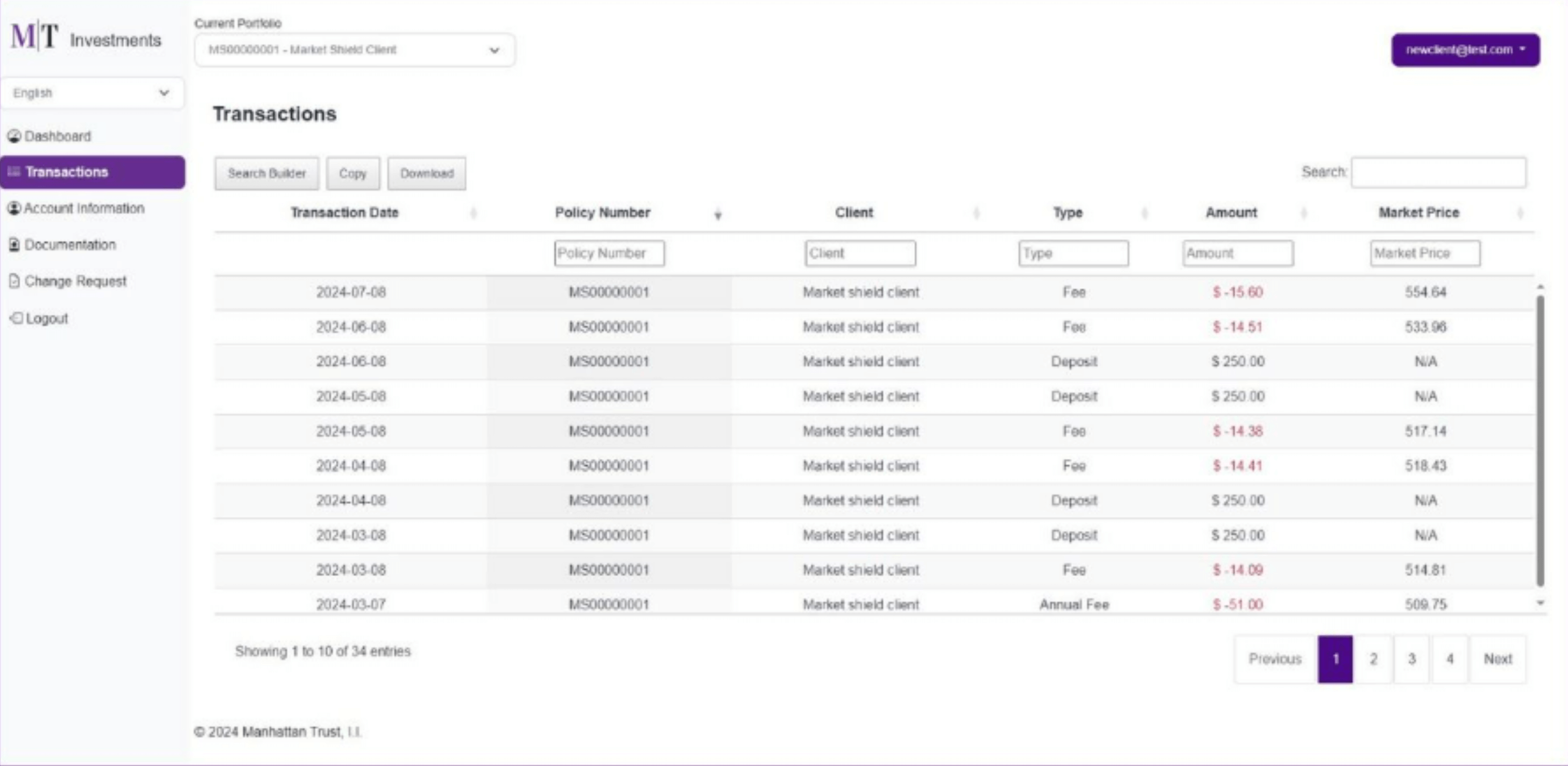
Transactions
By clicking on “Transactions,” you will find the details of your payments. On this page, you can copy or download the transactions and their corresponding details.
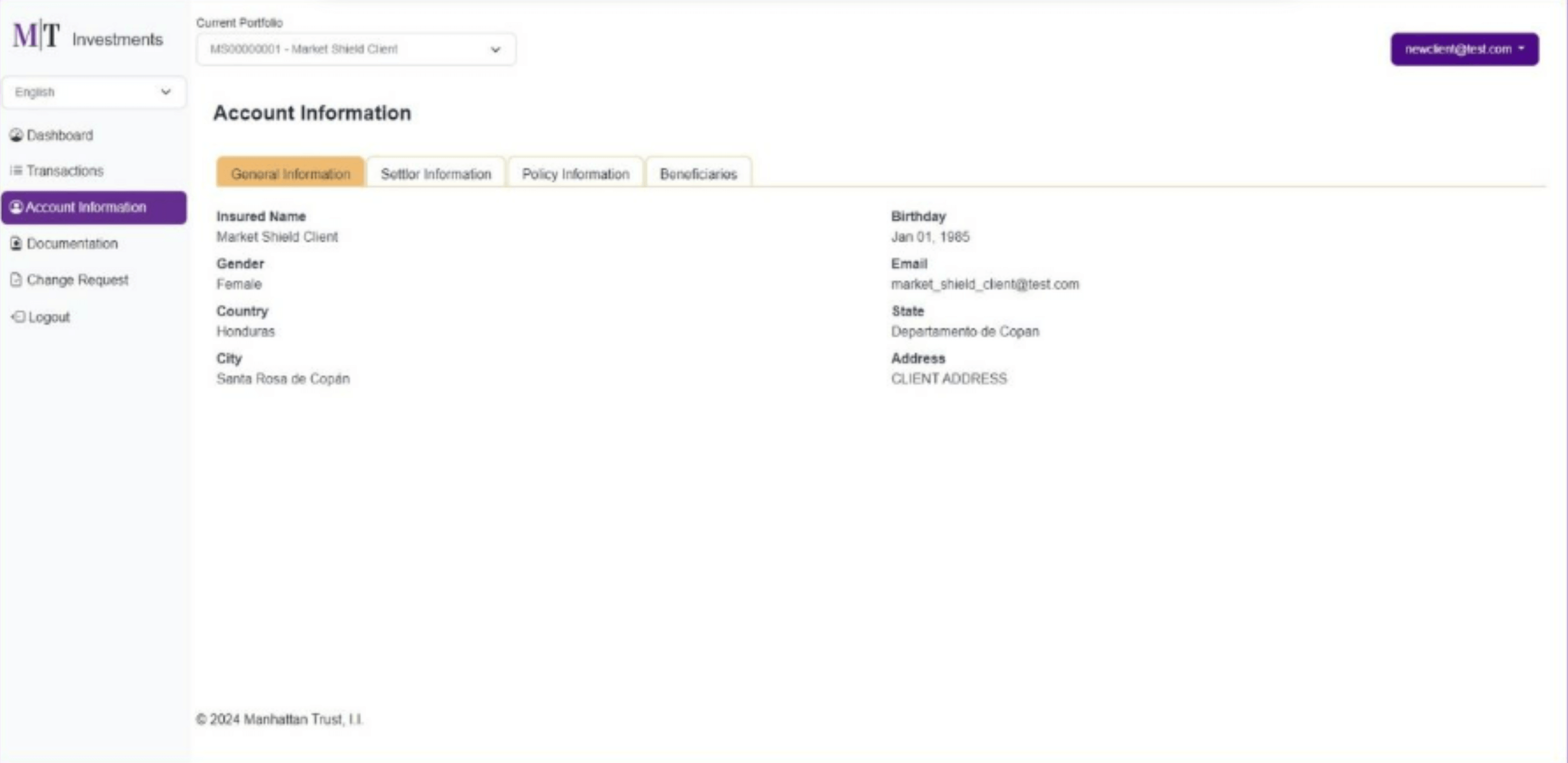
Account Information
By clicking on “Account Information,” you will find tabs that display all information about your contract, including general information, trustee details, contribution details, status, payment due date, and beneficiaries.
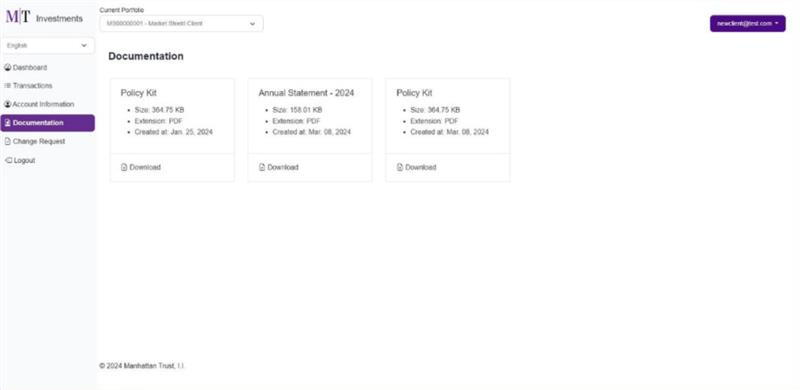
Documentation
In the Documents section, you can review and download important documents related to your account, including your application.
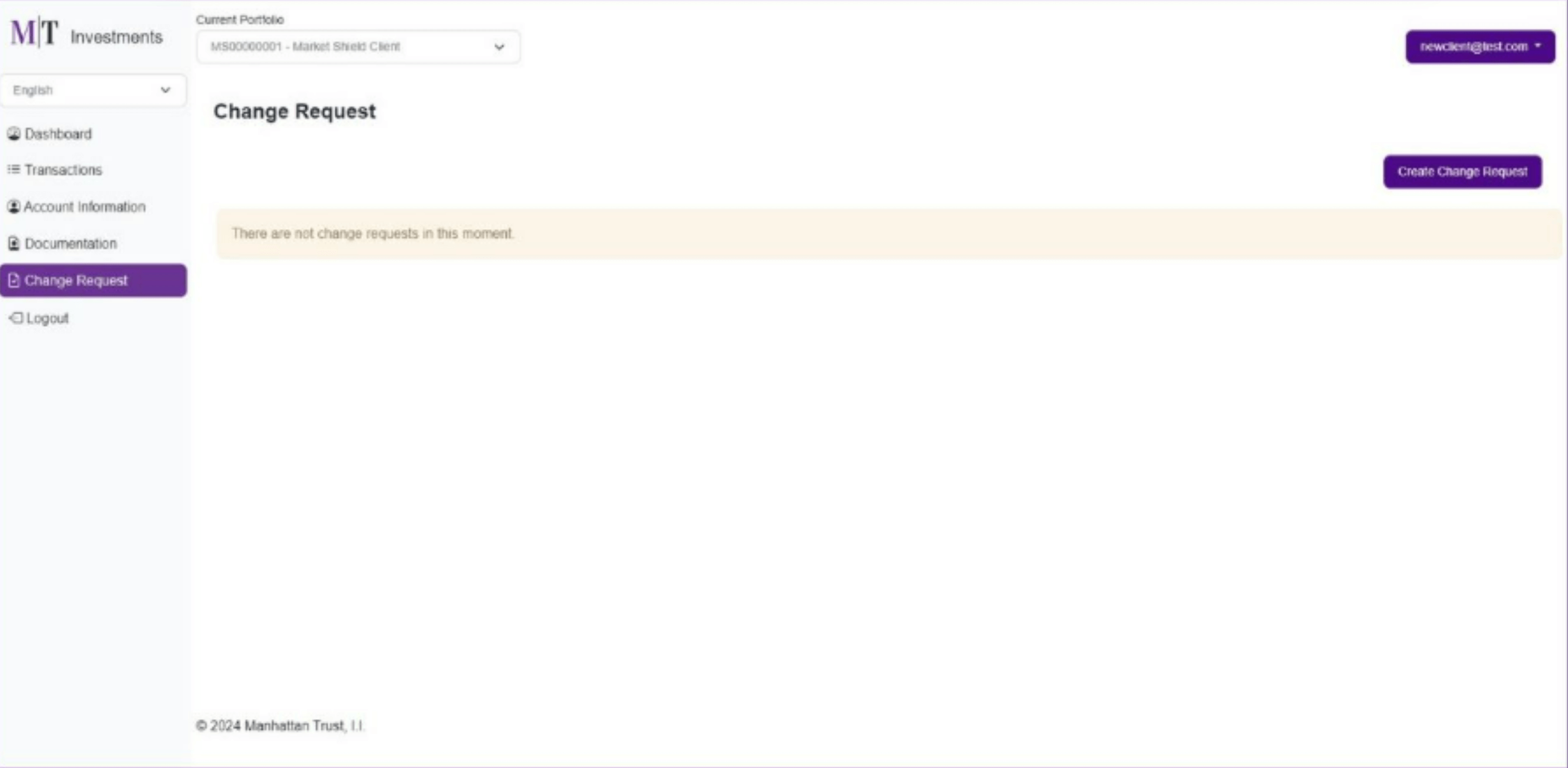
Change Request
In the Change Requests section, you can view previously submitted requests and track the status of each one. Here, you can also create new requests to make changes to the policy, such as modifying beneficiaries and assigning strategies..